


ArtboardKit — Artboard Manager for Adobe Photoshop
ArtboardKit - Batch artboard management for Adobe Photoshop
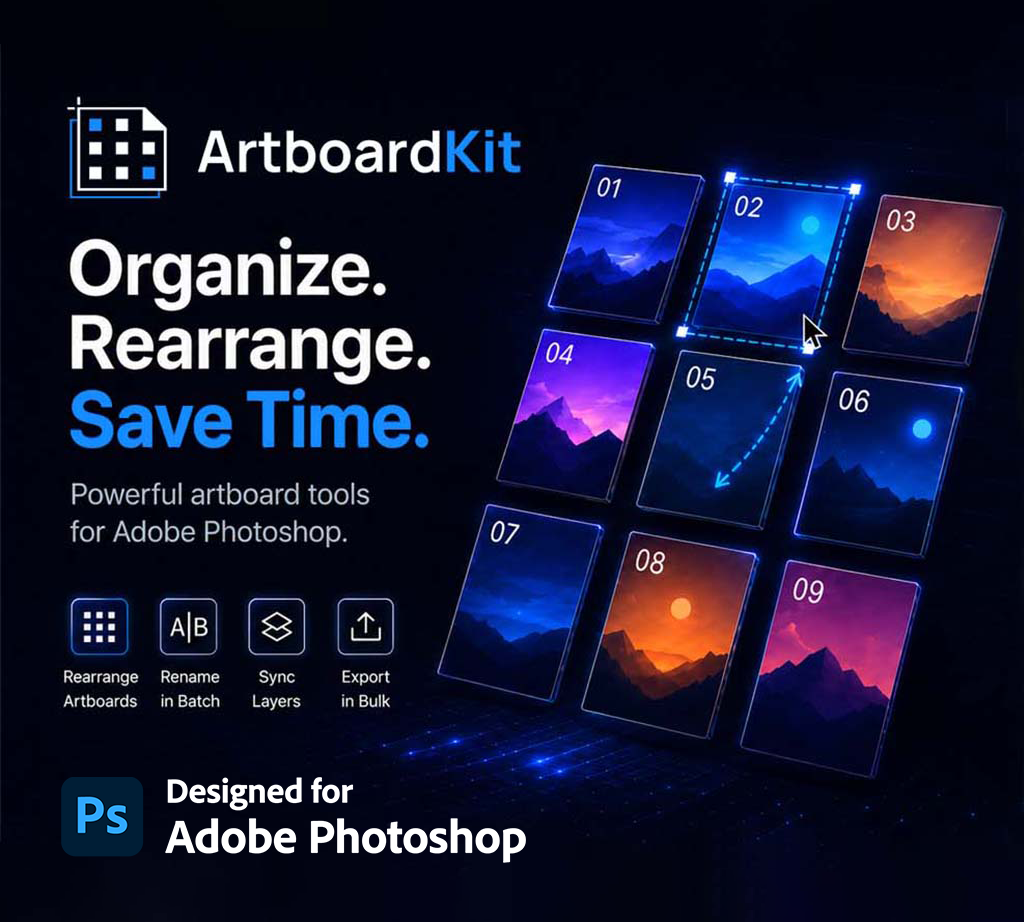
Stop dragging artboards into place one by one. Stop renaming forty screens manually. Stop copying the same watermark into every artboard.
ArtboardKit brings batch artboard management to Adobe Photoshop in one clean panel. Arrange into grids, bulk-rename with wildcards, sync layers across every artboard, and export at multiple resolutions — all without leaving the panel.
Officially approved by Adobe and available on the Adobe Creative Cloud Marketplace.
WHAT IT DOES
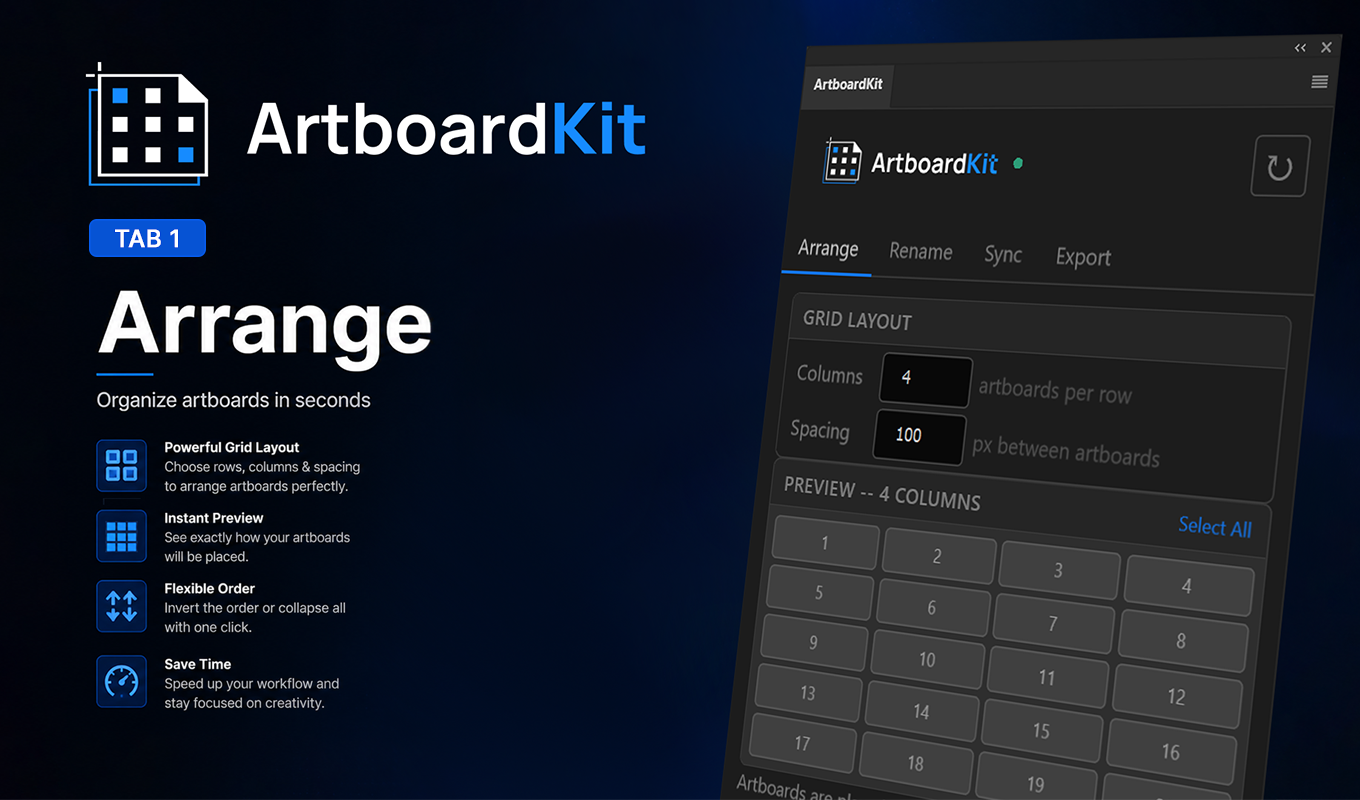
Arrange
Snap every artboard into a clean grid in one click.
- Adjustable columns and pixel spacing with live preview
- Click cells in the panel to select artboards directly
- Invert Order and Collapse All shortcuts
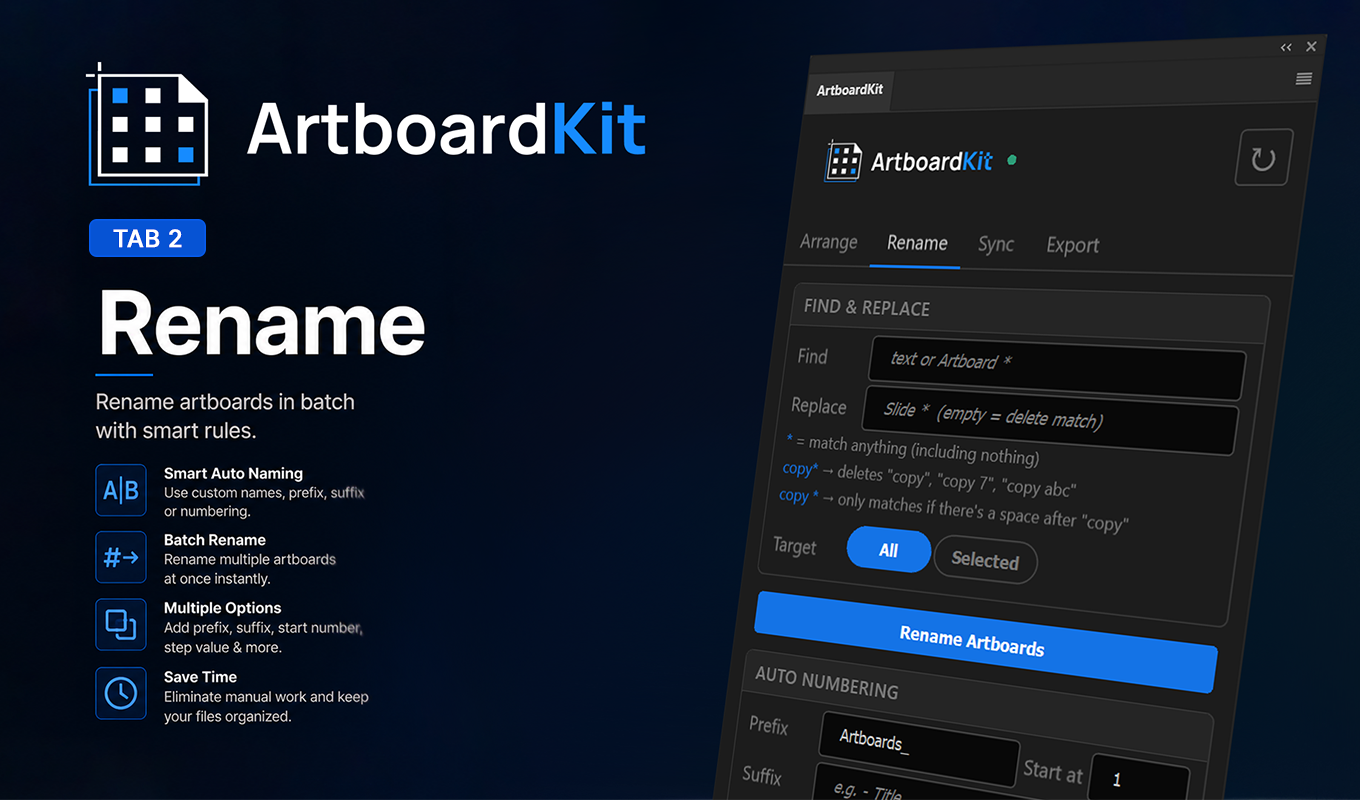
Rename
Batch rename every artboard in seconds.
- Find & replace with wildcard support (`copy*` matches "copy", "copy 2", "copy of hero")
- Auto-numbering with custom prefix and suffix
- Three modes: rename artboards, update a text layer inside each, or both
- Preserves font and style when updating layers
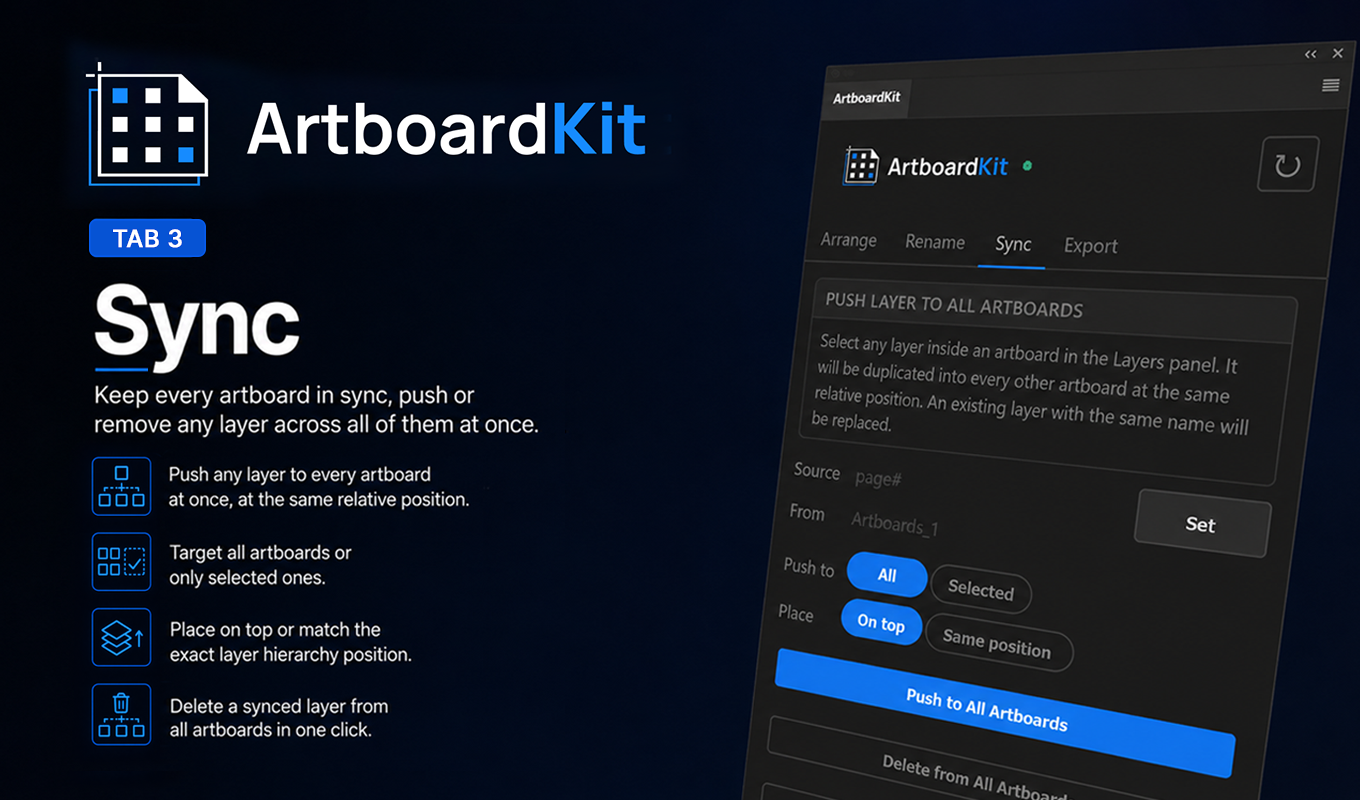
Sync
Push any layer across every artboard at once.
- Select a layer, click Push to All — applies to every artboard
- Position preserved relative to each artboard's bounds
- Two modes: place on top, or match the exact layer hierarchy
- Recursive group search — finds and replaces layers inside nested groups
- "Delete from All Artboards" removes a layer everywhere in one click
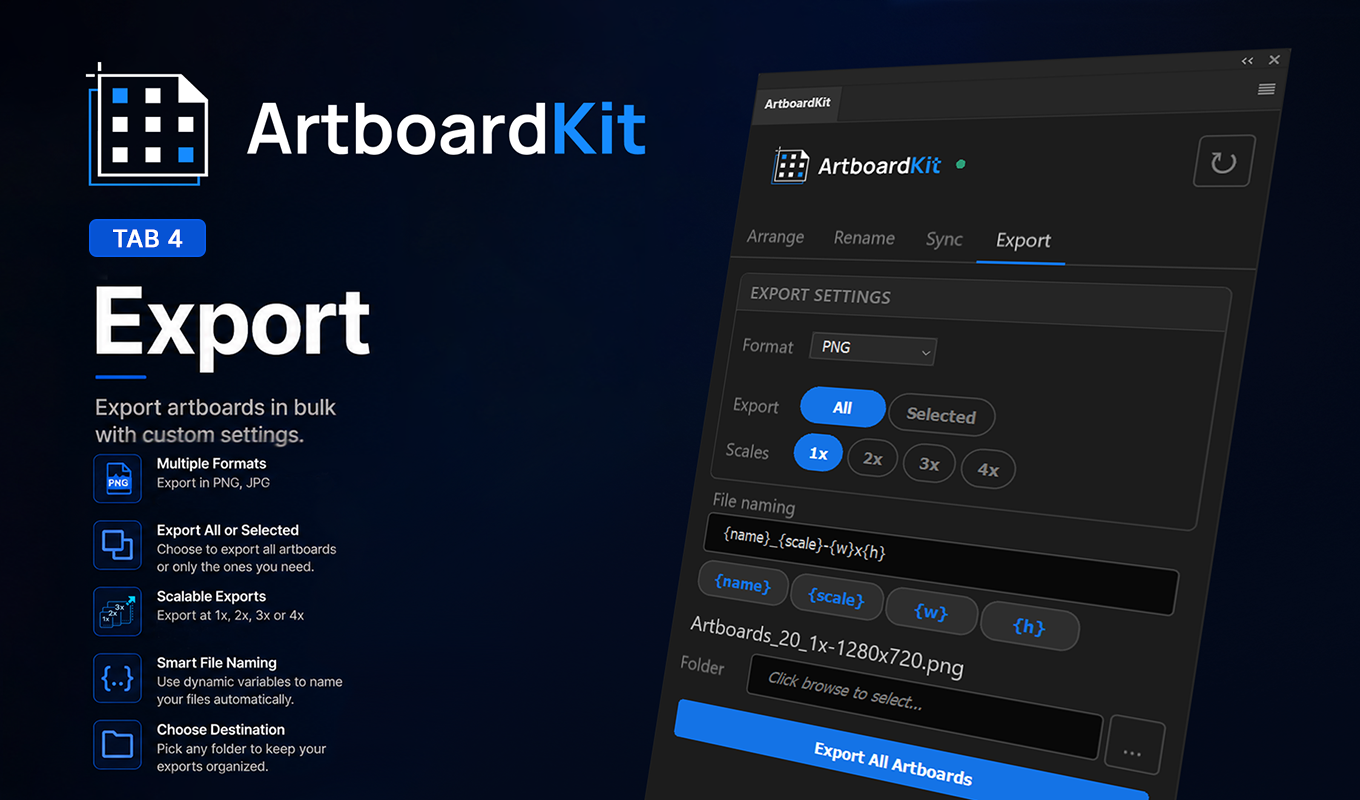
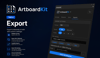
Export
Export every artboard as PNG or JPG at multiple scales in one click.
- Format: PNG or JPG with quality control
- Scales: 1x, 2x, 3x, 4x — pick any combination
- Each scale auto-saved into its own subfolder
- Tokenized filenames: {name}_{scale}-{w}x{h}.png
WHY ARTBOARDKIT
Single-step undo for every operation, a rare feature in batch plugins. Every ArtboardKit action collapses
into a single undo state — one Ctrl+Z reverts the whole operation.
No 50-step undo nightmare.
Non-destructive by design
Nothing is flattened or merged. ArtboardKit works on your existing layer structure.
Selective targeting
Every feature supports "Selected only" — bulk action with full control.
Built for Adobe Photoshop
Native dark theme, panel UI that feels like Photoshop's own.
Officially approved on the Adobe Creative Cloud Marketplace.
One-time pricing
$18. Pay once, own it forever. No subscription, no expiration.
Free lifetime updates.
WHO IT'S FOR
- UI/UX designers working across many screens and breakpoints
- Brand designers managing logo variations and asset packs
- Social media designers exporting across platforms
- Icon designers handling multiple formats and sizes
- Presentation designers wrangling slide-style artboards
REQUIREMENTS
- Adobe Photoshop 2023 (v24.0) or later
- macOS or Windows
- No additional dependencies
WHAT'S INCLUDED
- ArtboardKit plugin (.ccx file)
- Installation guide (with fallback for Windows)
- Lifetime updates — no subscription, ever
- Direct email support from the maker, hello@artboardkit.co
ABOUT THE MAKER
ArtboardKit is built by Pedro Miralles, a designer based in Dubai.
Officially approved on the Adobe Creative Cloud Marketplace.
Questions? Email hello@artboardkit.co — direct support, no ticket queue.